How to Redeem Omega Evolution Codes
Exact menu path, common error fixes, and tips so every working code lands in your inventory.
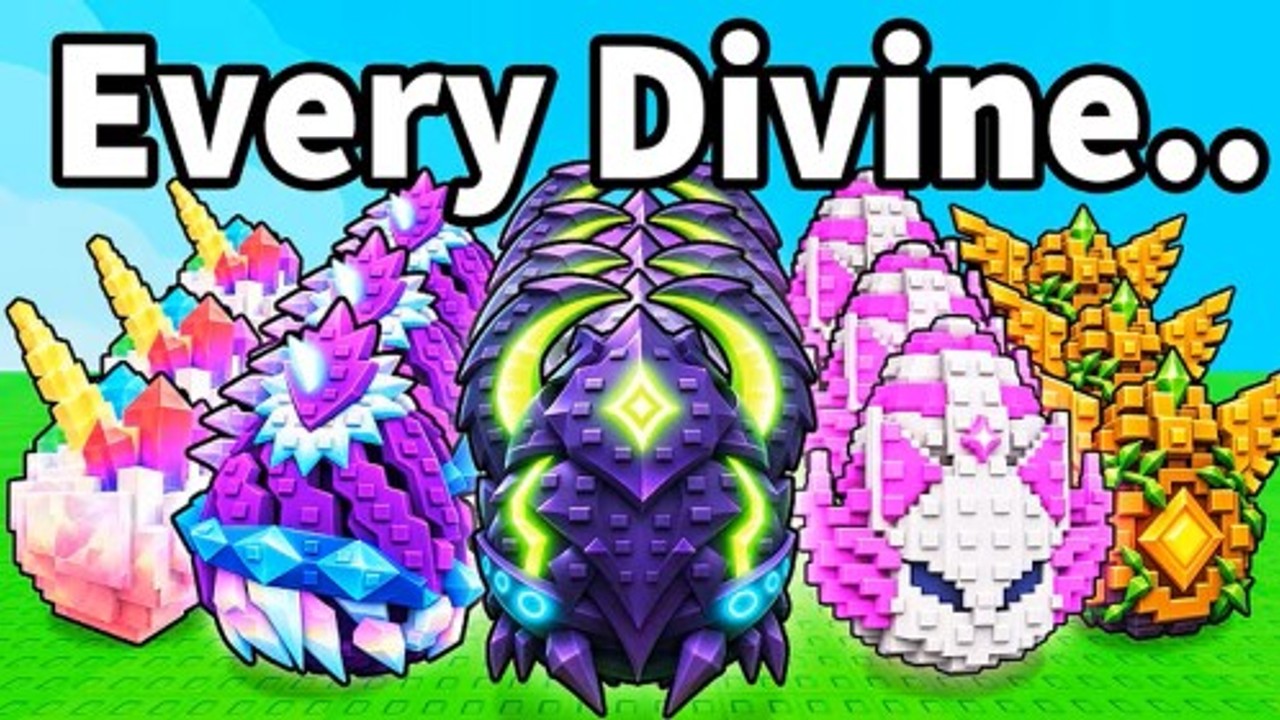
Redeeming Omega Evolution codes takes less than a minute once you know where the input lives. This guide walks through the Roblox launch flow, the in-experience Codes UI pattern used by similar Simulation / Tycoon titles from the same creator ecosystem, and the troubleshooting steps that stop most failed claims.
Keep the Codes Hub open in a second tab so you can copy strings without typos. Codes are case-sensitive and expire without warning when a milestone event ends.
Before you redeem
- Update Roblox on PC, mobile, or console.
- Launch Omega Evolution from the official place page (place id
78947847557386). - Finish the short tutorial so HUD buttons unlock — many experiences hide Rewards / Codes until the first objective clears.
- Join the I Will Beat All Game group if you want follower perks that often sit next to code campaigns.
- Make sure you have inventory space for pets or potions before claiming crate-style rewards.
Step-by-step redeem flow
- Enter a public server (max size is 7 players, so queues are short).
- Look along the left or bottom HUD for buttons labeled Codes, Rewards, Shop, or a gift icon.
- Open the panel and select the Codes tab if the menu also lists daily gifts.
- Paste a string from the Codes Hub exactly — no spaces before or after.
- Press Redeem, Confirm, or the green checkmark.
- Wait for the success toast. Pets and currency appear in inventory; timed boosts start immediately.
If the Codes button is missing on day one, re-check after a rejoin. Brand-new experiences sometimes ship the button in the first hotfix — track that on launch notes.
Mobile vs PC differences
- PC — mouse click the Codes button; Ctrl+V pastes cleanly from the wiki.
- Mobile — hold the text box to paste; rotate to landscape if the keyboard covers the Confirm button.
- Console — if text entry is limited, redeem on PC/mobile first; progress syncs with your Roblox account.
Common errors and fixes
| Message / symptom | Likely cause | Fix |
|---|---|---|
| Invalid code | Typo or expired string | Re-copy from the hub; check Expired section |
| Already redeemed | One claim per account | Move to the next code |
| Button missing | Tutorial incomplete or UI bug | Finish onboarding, rejoin server |
| Nothing happens | Lag during weekend peaks | Wait 5 seconds, click once more |
| Wrong game | Similar “Evolution” titles | Confirm the place name is Omega Evolution |
Smart redeem order
When multiple codes go live at once:
- Claim currency first so you can buy area unlocks during the same session.
- Claim luck / multiplier potions next, then enter guarded areas or hatch loops.
- Claim pet crates last so new Omega candidates go into a cleaned inventory — see collecting pets.
- Stack timed boosts with any active weekend event title such as 2x or 10x.
Account and safety rules
- Never share your password or cookie with a “code generator” site.
- Do not use scripts solely to auto-type codes unless you accept the risks covered on the Scripts Hub and executor safety pages.
- One Roblox account equals one redeem per code — alts may violate Roblox rules and waste your time.
- If a code asks you to leave the experience and visit an external survey, treat it as unofficial.
After a successful redeem
- Open inventory and pin new pets you want to keep.
- Spend currency on the next guarded-area unlock instead of cosmetics if you are still early.
- Note the reward in your own checklist so you know which milestone codes you already used.
- Return to the Codes Hub later the same day — weekend launches sometimes ship a second string.
Related pages
Mastering the redeem flow once means every future drop takes seconds. Pair that habit with solid pet collection routes and you will convert free rewards into real progression instead of clutter.
Frequently Asked Questions
Quick answers for Omega Evolution players.
Why does my Omega Evolution code say invalid?
Usually a typo, an expired string, or redeeming in a different Evolution game. Copy again from the Codes Hub and confirm the place title.
Can I redeem the same code twice?
No. Each code is typically one claim per Roblox account.
Do I need Premium to redeem codes?
No. Promo codes are free for all players. Premium may add unrelated multipliers.
Where is the Codes button on mobile?
Check the left or bottom HUD after the tutorial. If it is missing, rejoin or wait for a UI hotfix listed in Updates.